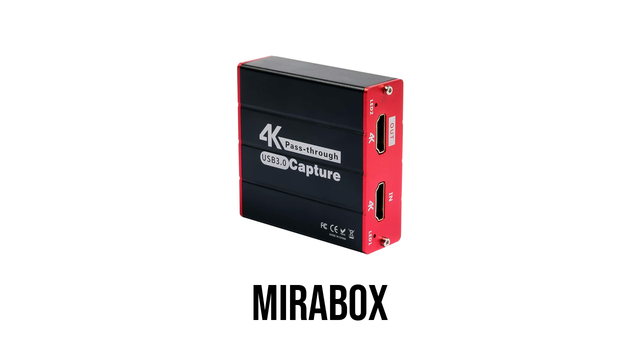
There are two modern ways to capture HDMI video into a computer using OBS. Both require a video capture card.

A PCIe video capture device allows you to capture and record video and audio from a device and save it to your computer through HDMI.

Besides a PCIe capture card, you can also use a USB video capture card. A USB video capture card is more portable, but you can only use one in each USB port.

#Linux #PCIe #USB #video #capture #card #Avermedia #Elgato #Blackmagic #Decklink #Mirabox
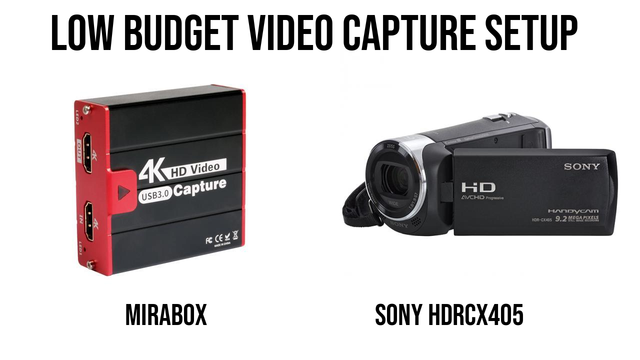
I wanted to find a low-budget video capture setup that was reliable for live streaming events.

The video camera needed to have a HDMI output and around 20x optical zoom.

After trying a few cheap cameras and having issues, I settled on the Sony Handycam HDR-CX405.

What low-budget video camera and video capture card do you recommend?

#mirabox

@matt It seems to be not a USB 3.x but registers as USB2.x, and USB cannot handle high data rates... hope that helps (maybe I a wrong, anyway) #mirabox
@textovervideo BE CAREFUL! It seems not to be a USB 3.x as it says... it registers only as USB2.0 which will lead to quality loss as USB2.0 can't handle the high rates of 4k. Anyone else who recognizes this problem? Or am I wrong? #mirabox

I am looking forward to testing out the Mirabox.

The Mirabox is a low budget, USB 3.0 video capture card with HDMI passthrough.

#mirabox

Just bought a #Mirabox USB capture card to play around with streaming and video capture.

Unfortunately at 1080p it appears to be locked at 30fps.

Not sure if its my PC or what. Though I was reading that Nvidia drivers are crippled when it comes to YUV raw video capture (I can't capture more than 5fps with YUV raw)