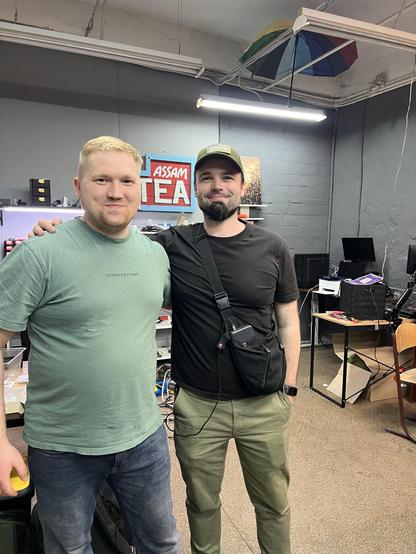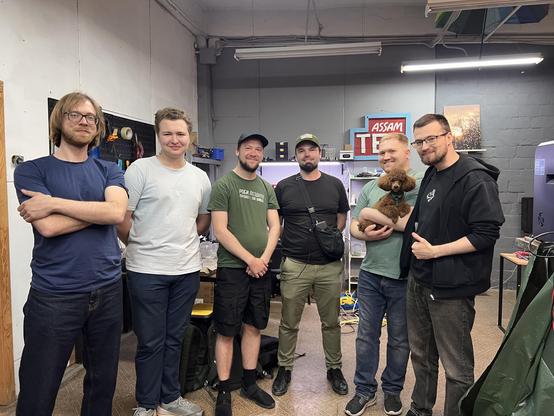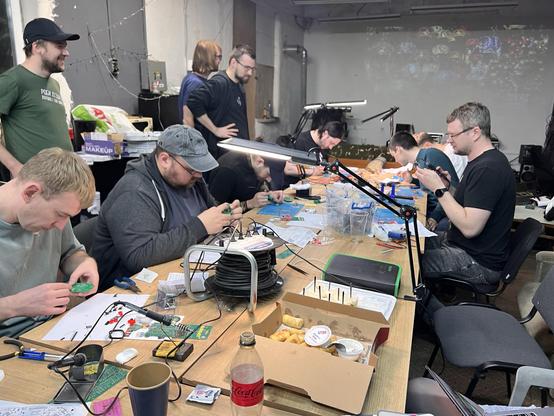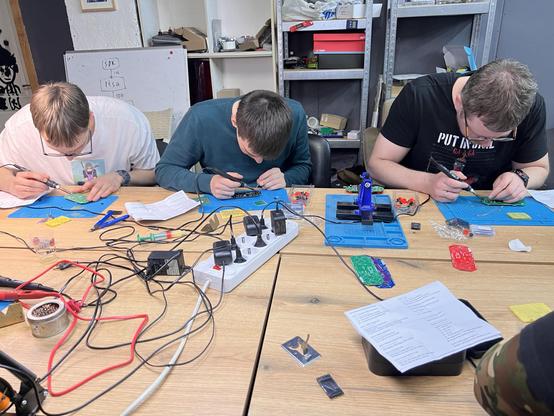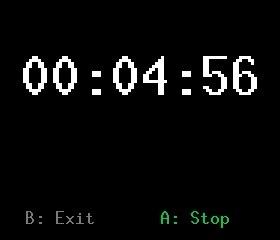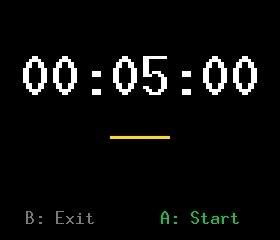
It's a #HackWimbledon Sunday!
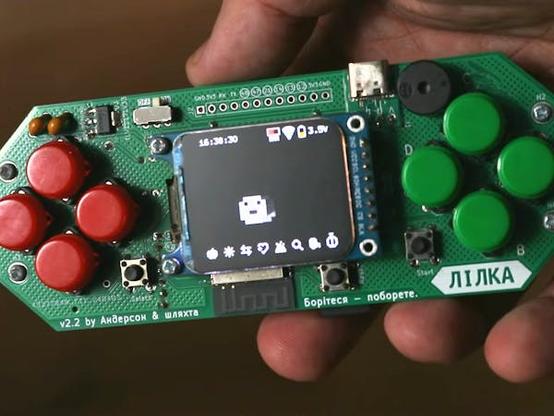
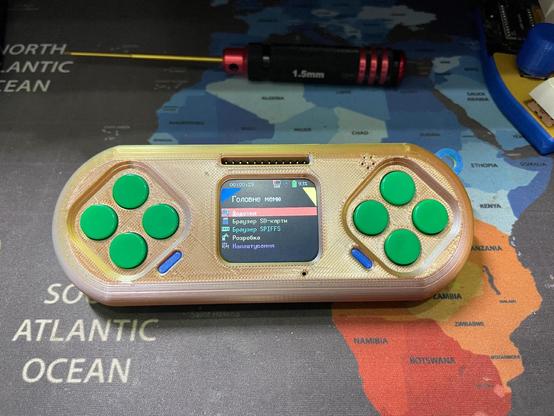
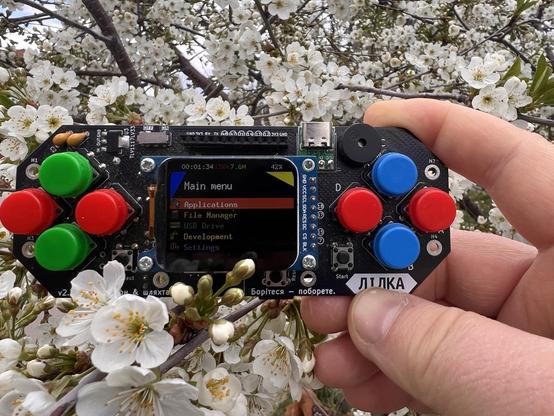
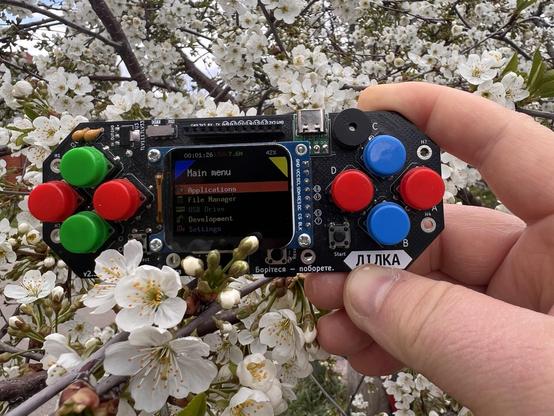
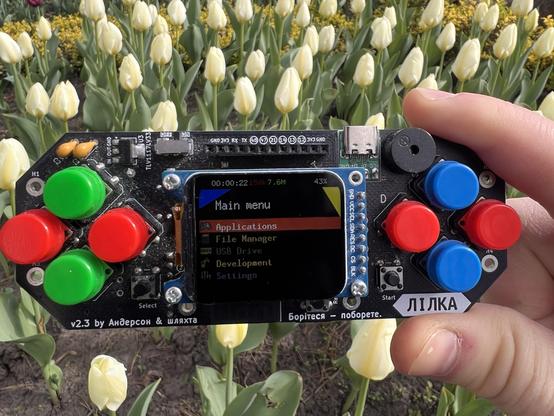
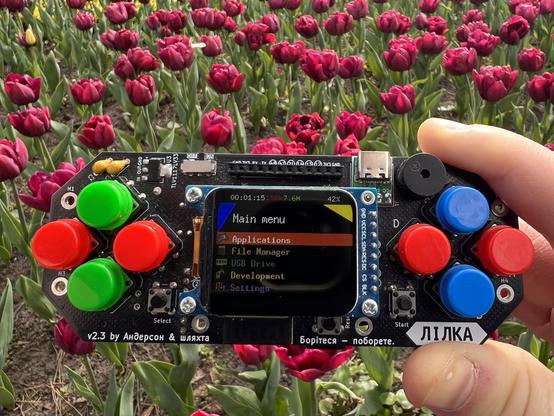
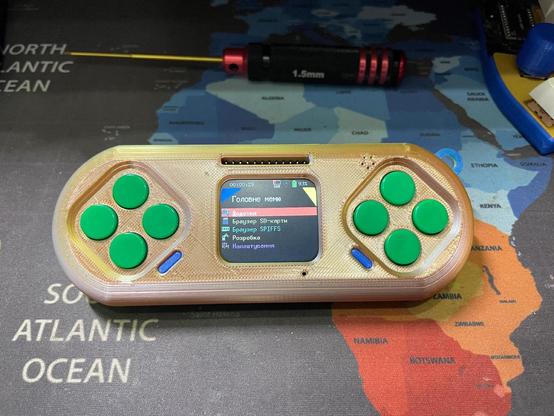
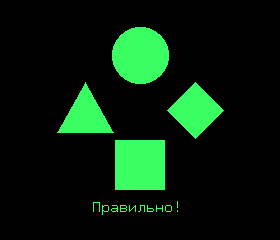
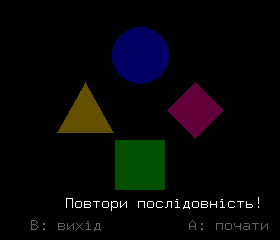
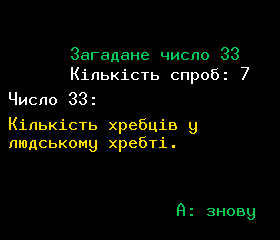
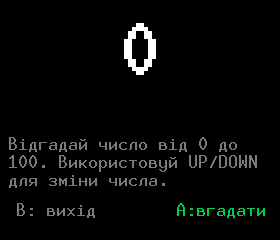
Thinking that we'll tinker with an @adafruit #FruitJam today, and also look at the M5 StackChan, and #Lilka handheld kit.

<p><a href="https://lilka.dev">Lilka</a> is an open-source handheld console based on the ESP32, built by the Ukrainian maker community 🇺🇦. One of its nicest features is mJS support — which means programs for Lilka can be written in JavaScript, the same language that powers half of the modern web.<br></p> <p>mJS is a tiny JavaScript engine from Cesanta, built specifically for microcontrollers. The syntax is familiar, but standard JS libraries (React, npm modules, and the like) aren't supported — only the basic language and Lilka's own APIs. For simple scripts, that's perfectly fine.</p> <p>And the coolest part — no compilation, no reflashing. A script is just a <code class="bg-text-200/5 border border-0.5 border-border-300 text-danger-000 whitespace-pre-wrap rounded-[0.4rem] px-1 py-px text-[0.9rem]">.js</code> file on the SD card: pick it in the menu and it runs. Edit the code, save, launch again — the whole cycle takes seconds ⚡ That's what makes Lilka such a great platform for tinkering and learning to code.</p><p>A quick note before we dive in: mJS support is a fairly fresh addition to KeiraOS, introduced in v2.6.5 and still actively being developed. Things mostly work, but you might run into the occasional rough edge — for example, an <code class="bg-text-200/5 border border-0.5 border-border-300 text-danger-000 whitespace-pre-wrap rounded-[0.4rem] px-1 py-px text-[0.9rem]">error

<p>Lilka looks simple at first glance: a screen, some buttons, an SD card. But dig a little deeper and you'll find an entire ecosystem living inside — a microcontroller, an operating system, scripting engines, a dynamic app loader, and a web interface. In this article, we'll break down what it's all made of and how it works together.</p> <h2>📦 Repositories</h2> <p>The project used to live in a single monorepo. Today, the <a href="https://github.com/lilka-dev" class="underline underline underline-offset-2 decoration-1 decoration-current/40 hover:decoration-current focus:decoration-current">lilka-dev</a> organization on GitHub hosts 16 repositories. The core ones are:</p> <ul><li><strong><a href="https://github.com/lilka-dev/keira">keira</a></strong> — the operating system for the console</li><li><strong><a href="https://github.com/lilka-dev/sdk">sdk</a></strong> — the hardware-facing library</li><li><strong><a href="https://github.com/lilka-dev/lilka">lilka</a></strong> — schematics and documentation for the device itself</li><li><strong><a href="https://github.com/lilka-dev/examples">examples</a></strong> — Lua code samples for beginners</li><li><strong><a href="https://github.com/lilka-dev/catalog">catalog</a></strong> — a website for browsing community apps</li><li><strong><a href="https://github.com/lilka-dev/flasher">flasher</a></strong> — a static site for flashing Lilka straight from a browser</li><li><a href="https://github.com/lilka-dev/keira_dynapp" class="Title-module__anchor__dBbYy Title-module__inline__YFTZT" tabindex="-1"><strong>keira_dynapp</strong></a> — Example Dynamic app for KeiraOS</li><li></li><li>There are also separate repositories for specific firmwares and apps:</li></ul> <ul><li><strong><a href="https://github.com/lilka-dev/doom_port">doom_port</a></strong> — a DOOM port</li><li><strong><a href="https://github.com/lilka-dev/arduino-nofrendo">arduino-nofrendo</a></strong> — an NES emulator with Lilka-specific fixes</li><li><strong><a href="https://github.com/lilka-dev/PicoPico">PicoPico</a></strong> — a Pico-8 fantasy console port for Lilka</li><li><strong><a href="https://github.com/lilka-dev/mpeg_stream_player">mpeg_stream_player</a></strong> — a video stream player</li><li><strong><a href="https://github.com/lilka-dev/BLE_Controller">BLE_Controller</a></strong> — a Bluetooth controller</li><li><strong><a href="https://github.com/lilka-dev/IR_module">IR_module</a></strong> and <strong><a href="https://github.com/lilka-dev/RF_module">RF_module</a></strong> — modules for working with infrared and radio signals</li></ul> <h2>🤔 ESP32 and Raspberry Pi Are Not the Same Thing</h2> <p>This question comes up all the time,

<p>When you start working with sensors, you almost immediately run into strange terms like High and Low. It might sound complicated, but in reality, it’s much simpler Just imagine a regular light switch: it’s either on or off. In electronics, that’s exactly what High and Low mean.</p> <p>High means there is voltage on the pin — in other words, the signal is “on” ⚡ For a microcontroller, this is usually a logical one. Low, on the other hand, means there is no voltage (or it’s very low), which corresponds to a logical zero. So any simple sensor communicates with your device using this same language: either “yes” or “no.”</p> <p>On Lilka, this feels especially intuitive. Press a button — you get High Release it — Low. A motion sensor detects movement — High again. Nothing happens — Low Even though these terms are rooted in electrical concepts, it’s enough at the beginning to think of them as just two states your device constantly switches between.</p> <p>This simple idea is the foundation for most of the examples that follow. Once you get it, working with sensors stops feeling complicated and starts to feel more like building with a constructor set where everything is logical