 kdkeller
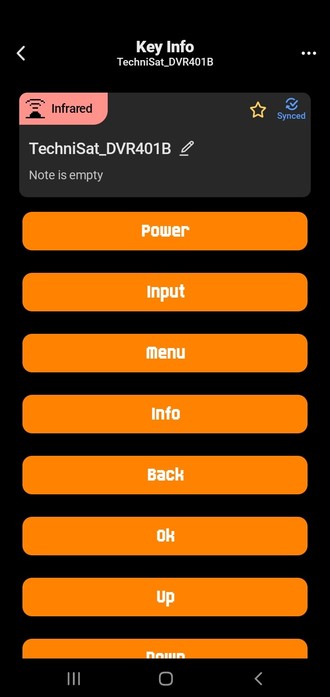
A wish came true: With a #FlipperZero you can now easily use your smartphone as a #RemoteControl. When you installed the #FlipperApp and connected it to your Flipper, you go to "Archive" and choose your saved/dowloaded IR-file.
To send an IR signal like "Power" you have to double tap 👇👇 the "Power" button in the app. Then the FlipperZero sends the IR signal.
To send an IR signal like "Power" you have to double tap 👇👇 the "Power" button in the app. Then the FlipperZero sends the IR signal.