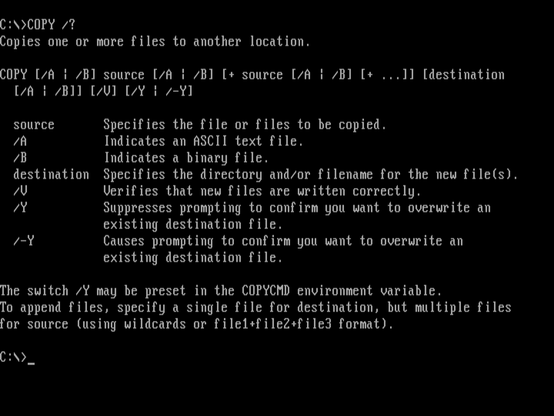
COPY: Copies one or more files to another location.
The COPY command is used to copy one or more files from a source location to a destination location. It allows you to duplicate files and directories, preserving their content and attributes.

This is your daily dose of nostalgia and #retrocomputing!
Once a day, I'll give you a random MS-DOS command with a brief description of its purpose.
Operator: @felsqualle
COPY: Copies one or more files to another location.
The COPY command is used to copy one or more files from a source location to a destination location. It allows you to duplicate files and directories, preserving their content and attributes.
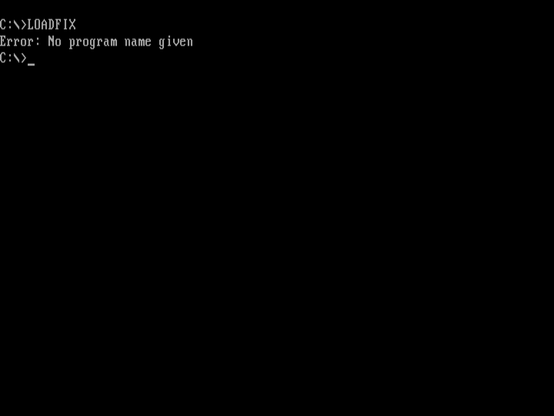
LOADFIX: Loads a program above the first 64K of memory.
The LOADFIX command is used to load a program above the first 64K of memory. It's often used with older programs that have memory constraints, allowing them to utilize more available memory.
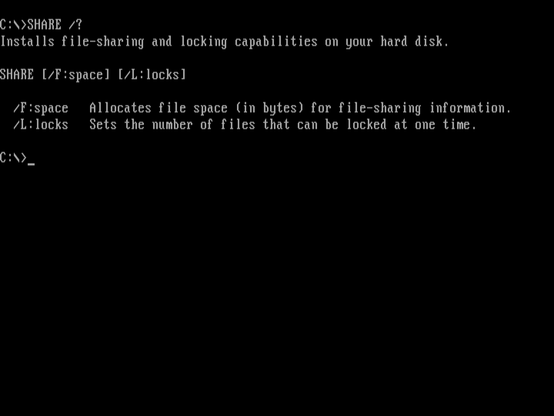
SHARE: Installs support for file sharing and locking.
The SHARE command is used to install support for file sharing and locking on network drives. It allows multiple users to access shared files and prevents conflicts that could arise from simultaneous access.
DRVSPACE: Creates and manages DoubleSpace compressed drives.
The DRVSPACE command creates and manages compressed drives using the DoubleSpace disk compression feature. DoubleSpace compresses data on a drive, saving disk space, and allowing more files to be stored.
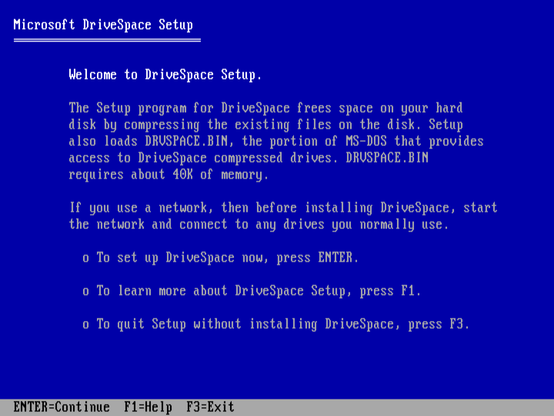
RD: Removes an empty directory.
The RD (or RMDIR) command is used to remove an empty directory from a storage device. If the directory contains files or subdirectories, you need to use the DELTREE command to remove it along with its contents.
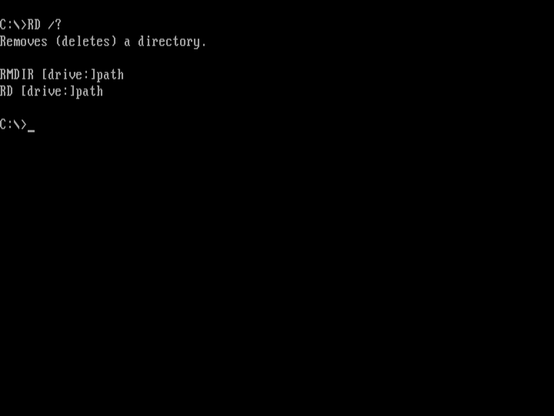
FC: Compares two files or sets of files and displays the differences between them.
The FC command compares two files or sets of files and displays the differences between them. It's a useful tool for verifying file integrity, comparing program outputs, or identifying changes between versions of a file.
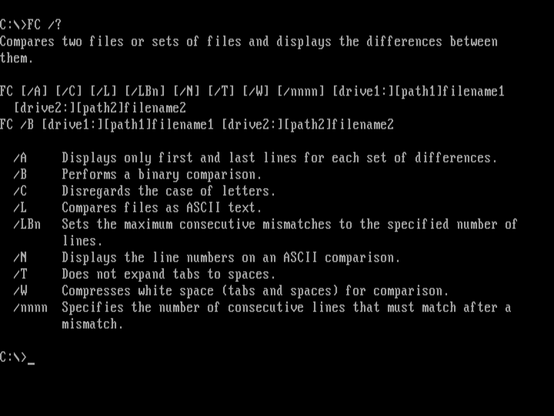
MODE: Configures system devices and international settings.
The MODE command is used to configure system devices and international settings like date and time formats, keyboard settings, and more. It's a versatile command for customizing various aspects of the MS-DOS environment.
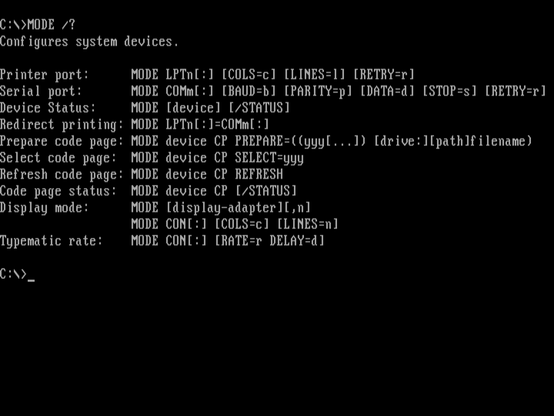
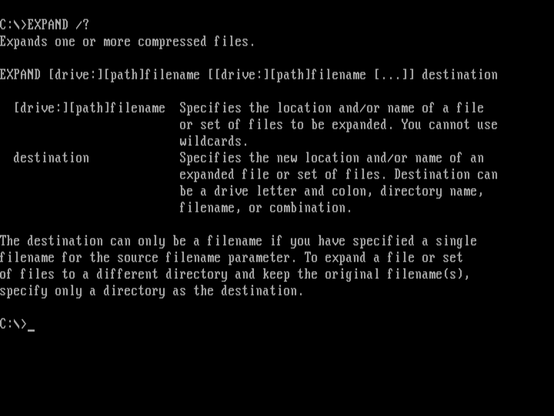
EXPAND: Expands one or more compressed files.
The EXPAND command is used to extract files from Microsoft compressed files (CAB files). It's often used during software installation to unpack compressed files and make them accessible for use.
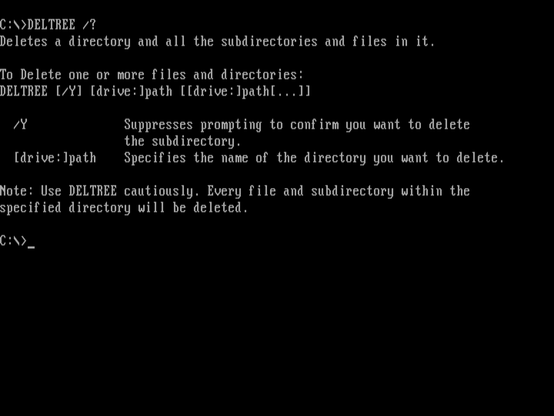
DELTREE: Deletes one or more directories.
The DELTREE command deletes one or more directories and their contents. It's a way to remove directories and files recursively, ensuring that all subdirectories and files within the specified directory are permanently deleted.
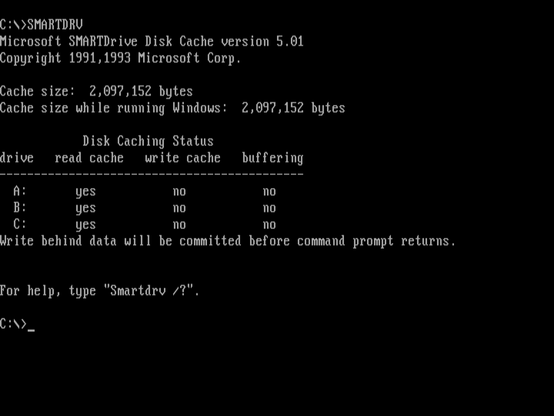
SMARTDRV: Creates and manages a disk cache in memory.
The SMARTDRV command creates and manages a disk cache in memory. A disk cache improves disk read and write performance by storing frequently accessed data in memory, reducing the need to access the slower physical disk.