 Apptorium
Desktop Composer 1.1 is out.
- 8 new languages
- Set backgrounds from the Photos app
- Improvements & Bug Fixes
If you spot any translation issues, let me know
https://www.apptorium.com/desktop-composer/release-notes/1.1
Desktop Composer 1.1 is out.
- 8 new languages
- Set backgrounds from the Photos app
- Improvements & Bug Fixes
If you spot any translation issues, let me know
https://www.apptorium.com/desktop-composer/release-notes/1.1
Desktop Composer is now part of StudentAppCentre 🎓
Students can get 50% off:
https://www.studentappcentre.com/App/Desktop_Composer
Desktop Composer has just received its first update ⬇️
https://www.apptorium.com/desktop-composer/release-notes/1.0.1
Desktop Composer 1.0 is out 🎉
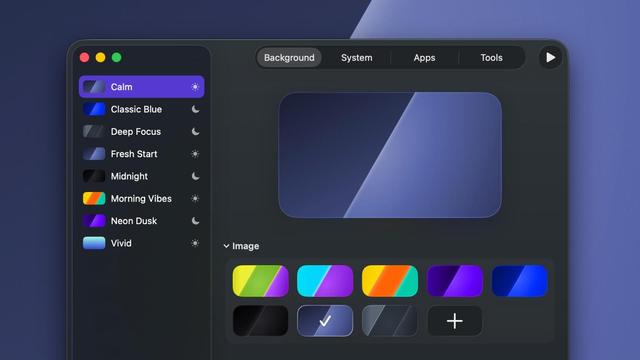
Create appearance profiles (wallpaper, system settings, app themes) and switch your Mac’s look in one click
Desktop Composer Beta 5 is here 🎉
What's New:
- Spotlight search for profiles
- Profile scheduling by time
- Selective option disabling
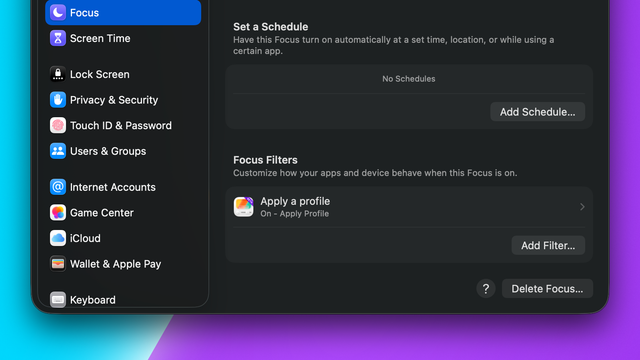
- Focus Filters support
https://www.apptorium.com/desktop-composer/release-notes/1.0-beta.5
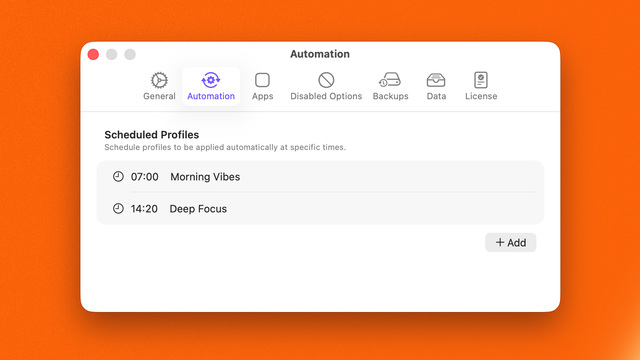
New in upcoming Desktop Composer Beta: Profile Scheduling.
It’s perfect for setting a morning mood, switching to a focused setup later on, or just letting your desktop adapt throughout the day - without thinking about it.
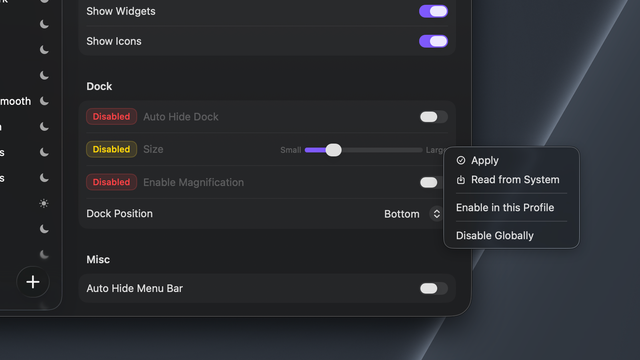
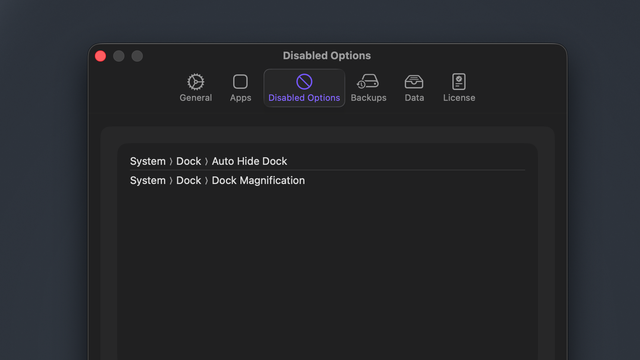
Another new feature is coming soon to Desktop Composer: selective option disabling.
You’ll be able to choose which options Desktop Composer should never change. These exclusions can be defined globally (for all profiles) or per profile, directly from the context menu.
This gives you more control over what Desktop Composer modifies - and what it leaves untouched
Desktop Composer Beta 3 is out! 🚀
What’s new:
• VS Code theme switching
• Obsidian integration (@obsidian ) (theme + UI accent)
• Fixes for ForkLift integration
• Minor improvements and bug fixes
https://www.apptorium.com/desktop-composer/release-notes/1.0-beta.3
#DesktopComposer #BuildInPublic #App #Themes #VSCode #Obsidian